

TL;DR - There's a new version - based on customer feedback - of the LutzAuto Speedo Correction device that I ran until a couple of them failed, and I'm giving it a try again.

When I initially installed the LutzAuto Toyota 3 Wire Speed Sensor Calibrator/Correction Device, it was in an effort to make my speedometer read the actual speed I was going. I soon discovered that either the speedometer was correct or the odometer was correct, and it didn't take me long to refocus on perfecting the reading of the odometer. There were two reasons for this change:
- When the odometer is right, it's a lot easier to calculate gas mileage (mpgs), since you don't have to do any weird "adjustment" math to the numerator (mi/gal).
- Knowing that the odometer is correct and consistent makes it a lot easier to estimate if you can make it somewhere to get gas. If the highgway sign says 76 miles, and I know I get an average of 315 miles per tank, it's easy to figure out if I can make it without running out.
The calibration device definitely made it easy to get the odometer to be spot on, but after a relatively short period, the connector wore out and both the speedometer and odometer readings became super flaky, eventually leading to replacement and ultimately removal of the device.
Not too long ago, Bryan - the owner of LutzAuto - contacted me and asked if I wouldn't mind installing "v2" of his device. He'd reworked both the housing and connector based on feedback from folks like me, and he hoped that I'd give the new one a go.


As with the first version, installation couldn't be easier. Essentially, disconnect the plug on the side of the transfer case where the speedo gear is installed, and then insert the LutzAuto device inline between the speedo gear and ECU.

Then, it's a simple matter of calibrating the device. There are only two buttons, each of which adjust the sensor readings up or down by 0.5%. Since my sensor is already pretty darn close to spot on for the odometer, I just held both buttons down for 15 seconds, to reset the device to factory settings (no adjustment) and then sealed it up.


I'll see how it does over the next several months, and if I don't run into any reliability issues, I'd adjust it to perfection at that point.
Should it continue to work, it's obviously the best way to adjust the odometer or speedometer* on these 3-wire Toyotas, since it's easier to install than a Dakota Digital and more accurate (and adjustable) compared to a speedo gear. I'll update again in 6 months (or earlier if there's a reason).
* A footnote about "speedometer" calibrators
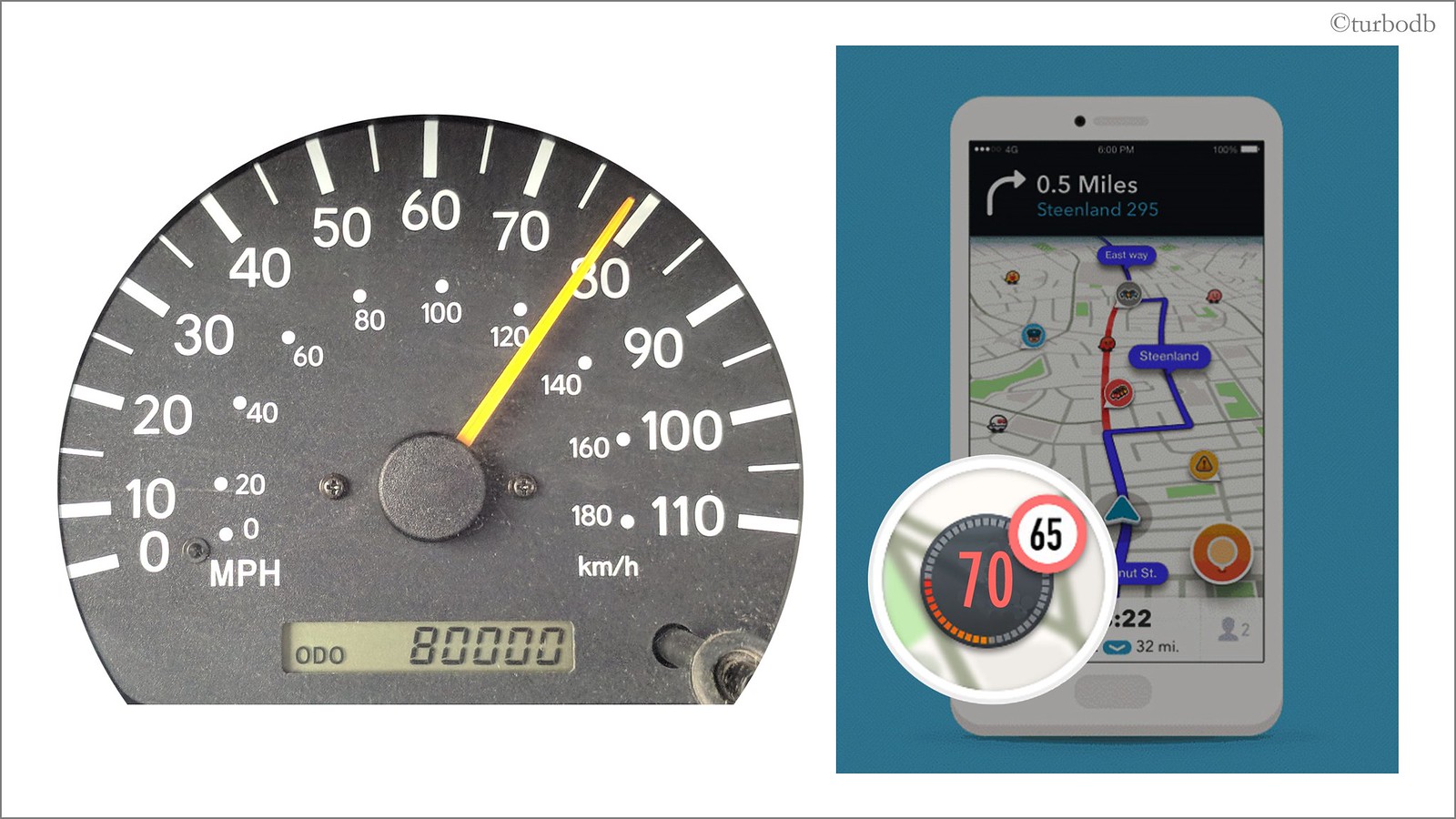
I've discussed this in depth before - in Speedometers, Odometers, and Gas Mileage - All Lies! and LutzAuto Speedo Correction Device - but these types of devices (LutzAuto, Dakota Digital, and even the various Toyota speedo gears) are generally sold/installed to correct the speedometer. That's a fine use of them, but correcting the speedometer to be accurate - or at least, to agree with the speed shown on a modern GPS - may not be what you actually want.
When you adjust the signal from the speed sensor, you adjust the data going into both the speedometer and odometer. As such, if you increase the speedometer by 3%, you also increase the distance travelled in that time - the odometer - by 3%.
The catch: only one can usually be "correct."
Personally, I prefer to have the odometer be correct, so I adjust the device such that when I travel 100 miles, the odometer reads exactly 100 miles. I don't care if the speedometer is too fast/slow as I was driving; I can use a GPS to tell me how fast I'm going.
LutzAuto provides instructions for calibrating the device for the speedometer, but does not include directions for odometer calibration. Here are the instructions for calibrating the device for the odometer:
Note - unlike speedometer calibration, odometer calibration requires a longer distance to determine accuracy, ideally on a single highway with mile markers along the side of the road. Speed does not matter while doing this test; only distance matters.
- Enter the highway, with a plan to drive at least 100 miles along the same highway, where there are incremental mile markers
- As you pass a mile marker, reset the trip odometer to 0.
- Drive until you reach the 100th mile marker (100 miles).
- At the 100th mile marker, note the value of the trip odometer to the nearest tenth of a mile (e.g. 102.3 miles)
- Use the following equation to determine how inaccurate your odometer is:
- If your
Percent Differenceis- positive - press the LutzAuto DOWN button twice for each percentage point.
- negative - press the LutzAuto UP button twice for each percentage point.
Example:
2.4% is approximately 2.5%, and is positive, so press the LutzAuto DOWN button 5 times.
In this Series


Discussion
No comments yet.